Organized inbox
Main, Promotions, Social and Updates help to visually separate what comes.

MailGe brings together messages, search, categories, contacts, agenda, and smart resources to work with your own domain email.
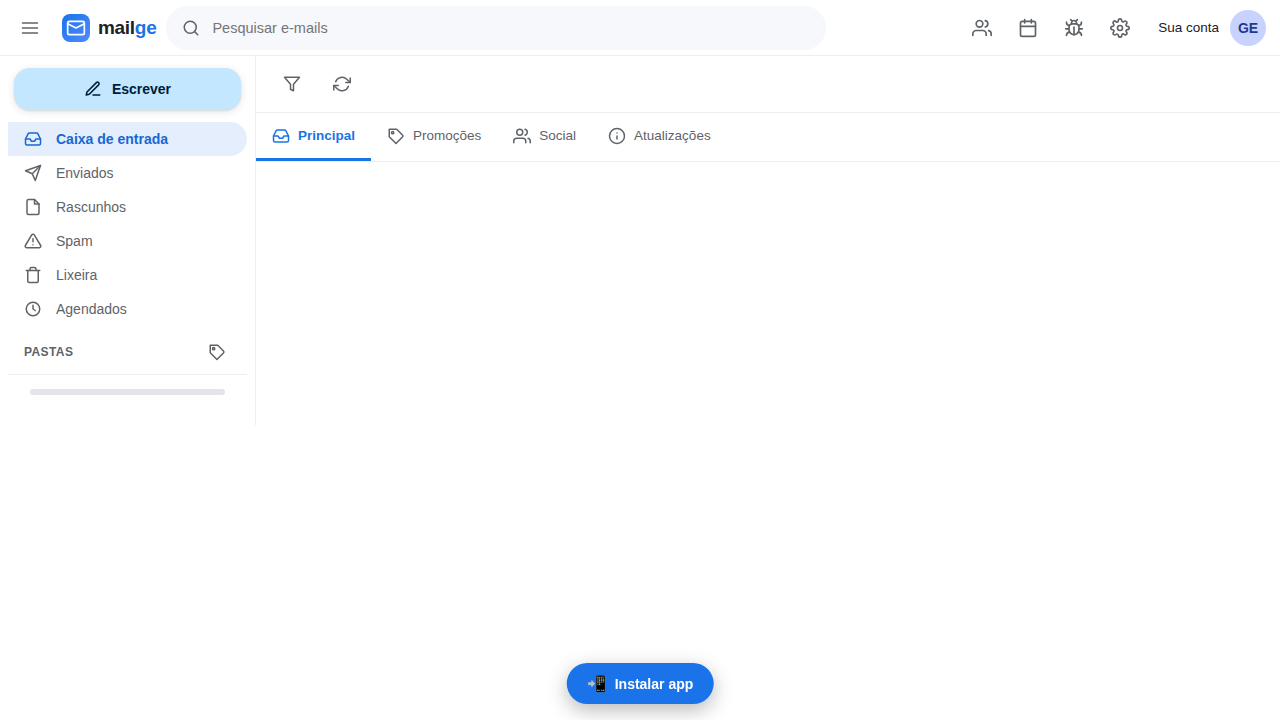
Real capture of the interface — no postal box data.
The web access offered today by GeHost was thought to centralize the routine of your professional box.
Main, Promotions, Social and Updates help to visually separate what comes.
Search messages and browse folders without wasting time looking manually.
Write, answer, forward, attach files and track your conversations in a unique interface.
Prepare the message and schedule the sending moment when this function makes sense for your routine.
Keep contacts close to the mailbox and use syncs when configured.
View commitments and use the calendar integration available for your account.
Smart features can support summary, reading and preparing answers when enabled.
Add MailGe to your computer or mobile phone to open with app appearance.
The catches below are from the actual product and have been prepared without messages or customer data.
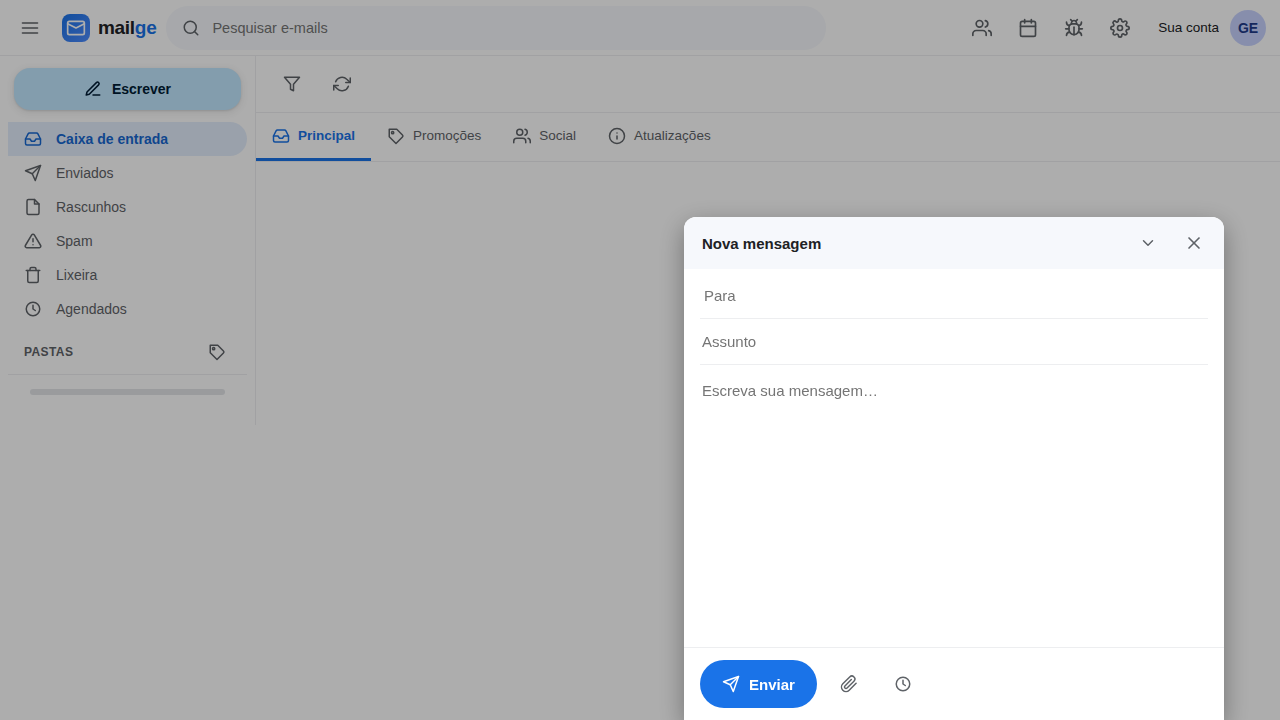
The composer keeps recipient, subject, content and main actions within reach, without taking you out of the inbox.
The login uses the address and password of the mailbox created in the GeHost service.
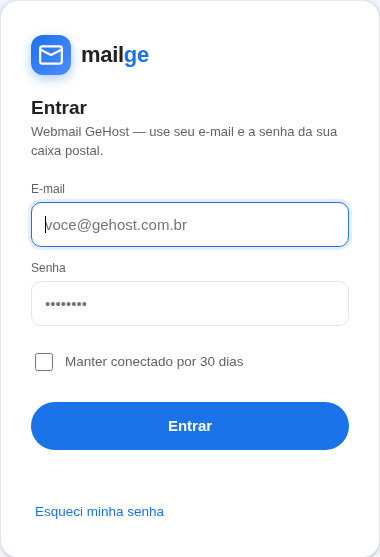
A continuous journey for you to spend less time managing the box and more time responding to what matters.
Open MailGeUse your professional email address and your own account password.
Categories, folders, and search help locate the right conversation.
Open the conversation, see attachments and prepare the answer in the same environment.
Schedule the shipment, consult contacts or take an appointment to the schedule.
Final availability follows the configuration of the account and contracted service.
Smart support for reading and writing tasks when the feature is enabled.
Local schedule and synchronization possibilities to bring messages and appointments closer together.
Access to contacts within the same environment used to write and respond.
Creating messages links with protection and validity when function is available.
Sign in to your existing account or get to know GeHost's email and hosting plans.