Chat and write
Ecila for chatting and Airam for coding come ready to use, with no key and no setup, within your plan's limit.

Chat, Code with agents, customer service on WhatsApp and Instagram, AI running on your PC, images and video. The same account on your phone, your computer and the browser.
Real screenshot of Cortex 6.75.413 on a computer · fictional project and demo account
From chat to code, from customer service to your team: every feature has a step-by-step guide in the Cortex wiki.
Ecila for chatting and Airam for coding come ready to use, with no key and no setup, within your plan's limit.
The AI reads the project, runs commands and tests, edits files and shows what changed. Long tasks resume where they stopped.
The same AI conversation for the whole team, with a request queue. In the Team space: channels, tasks and an AI that learns from you.
WhatsApp Business, Messenger, Instagram, LINE, Telegram and your website chat in one inbox, with AI that answers for you.
Open models running on your computer, no terminal needed. Pair your phone with a QR code and use your PC's AI away from home.
Ask in the chat and get it ready. A card shows the real progress, and the result is kept in the Library.
A companion with a mascot, its own conversation, goals and routines that keeps working for you, in the cloud or on your computer.
Everything created in your conversations stays on your device first and shows up on your others, with filters, search and full screen.
Plugins, skills, connections to Google Workspace, GitHub, Notion and more, and MCP servers, always with your permission.
Real screenshots of version 6.75.413, with a demo account and fictional data.
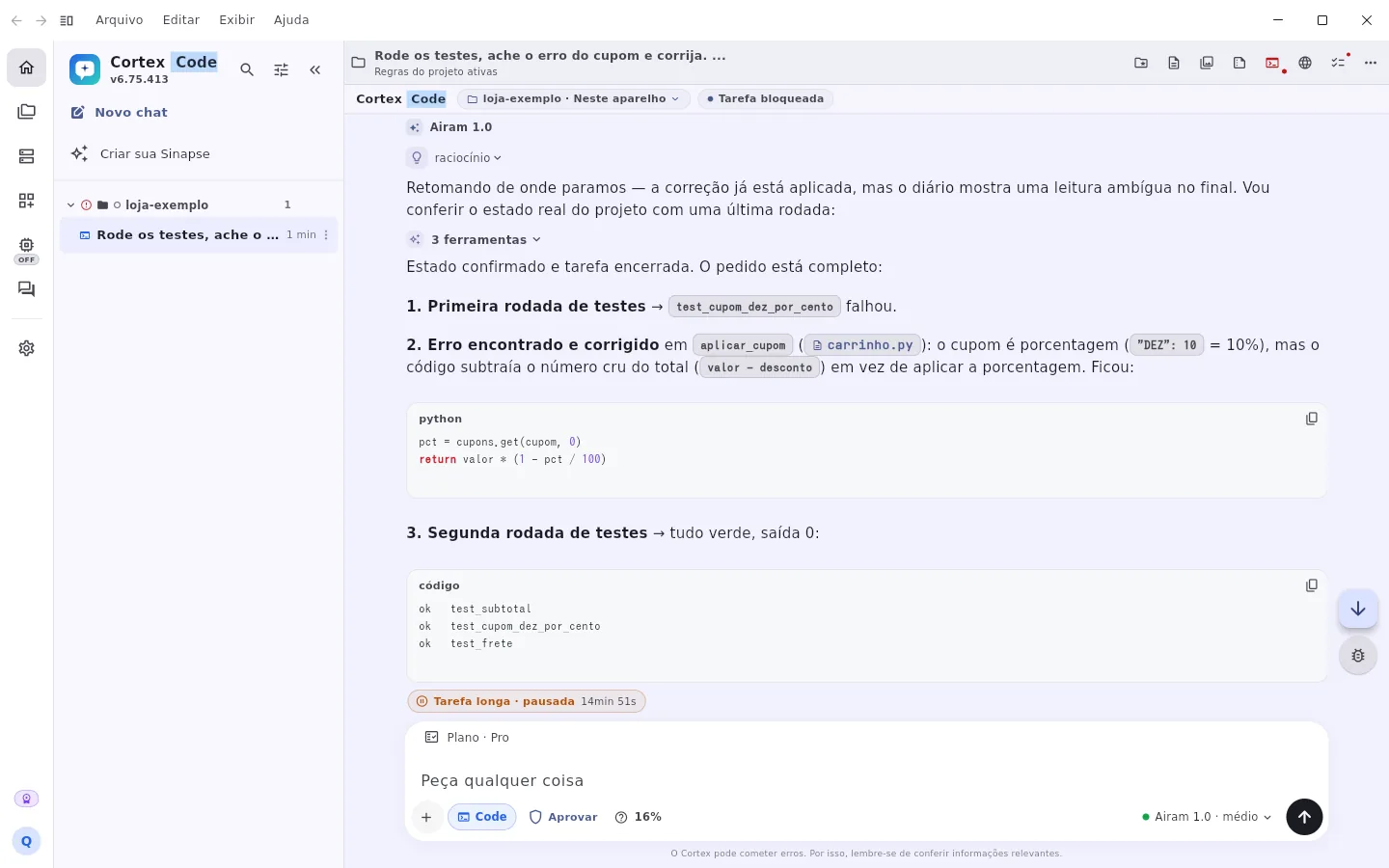
In Code mode, Airam ran the tests of a fictional project, found the coupon bug, fixed it and ran everything again. You choose what the AI does on its own and what needs your approval.
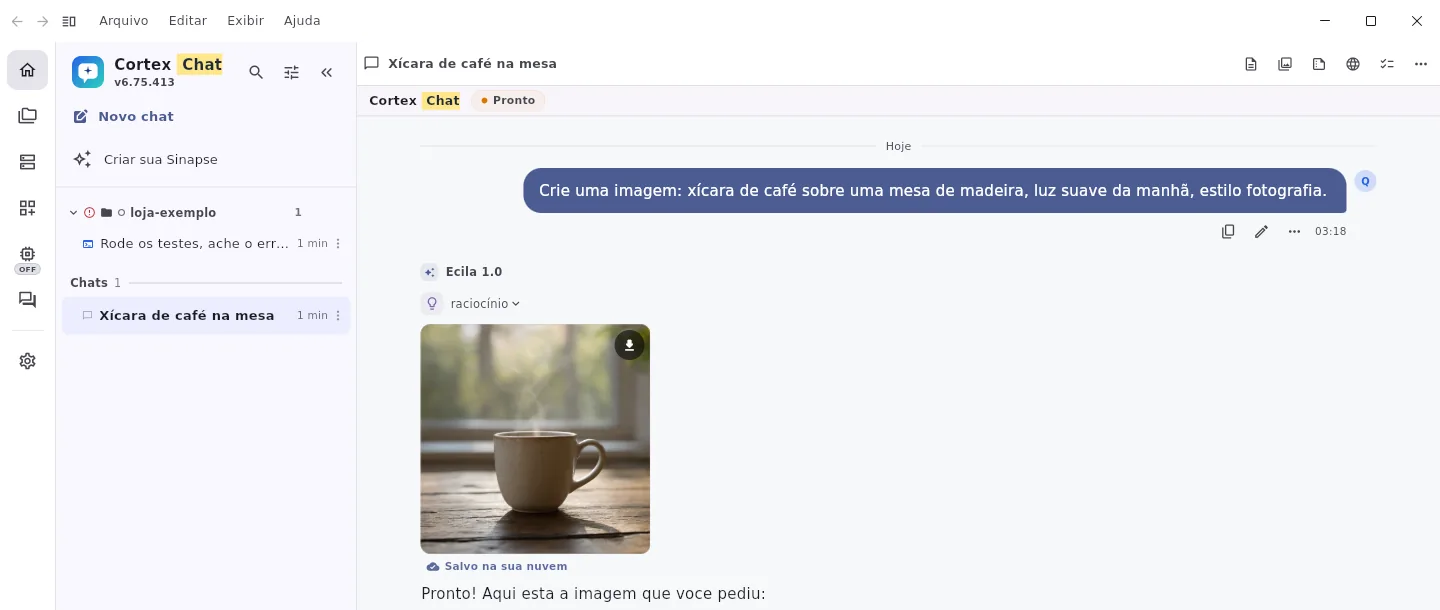
Describe it and get the image in the conversation, saved to your cloud and Library.
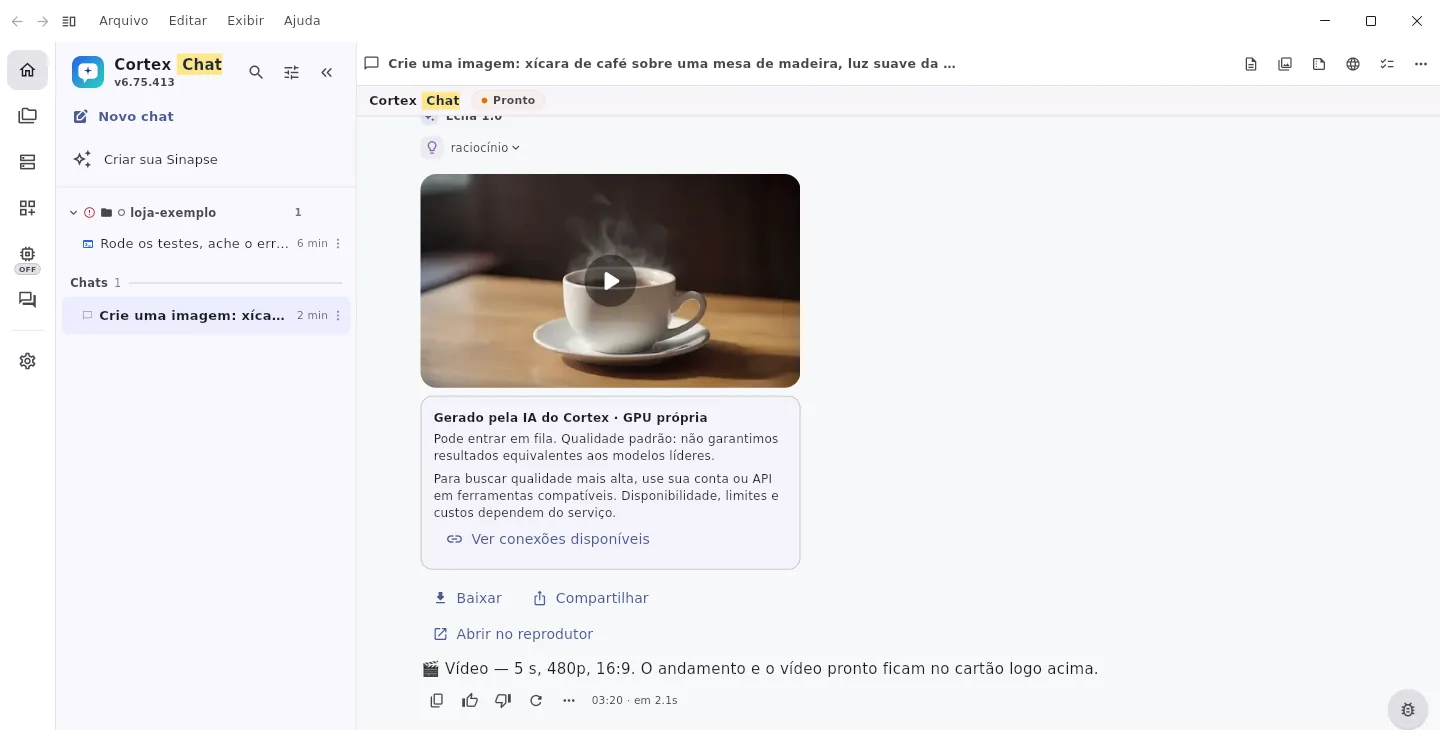
Short clips from text or a photo, with a card that shows the real progress until it's ready.

Prices, opening hours and rules of a fictional bakery: the AI Attendant answers only with what you taught it and can be tested before serving customers.
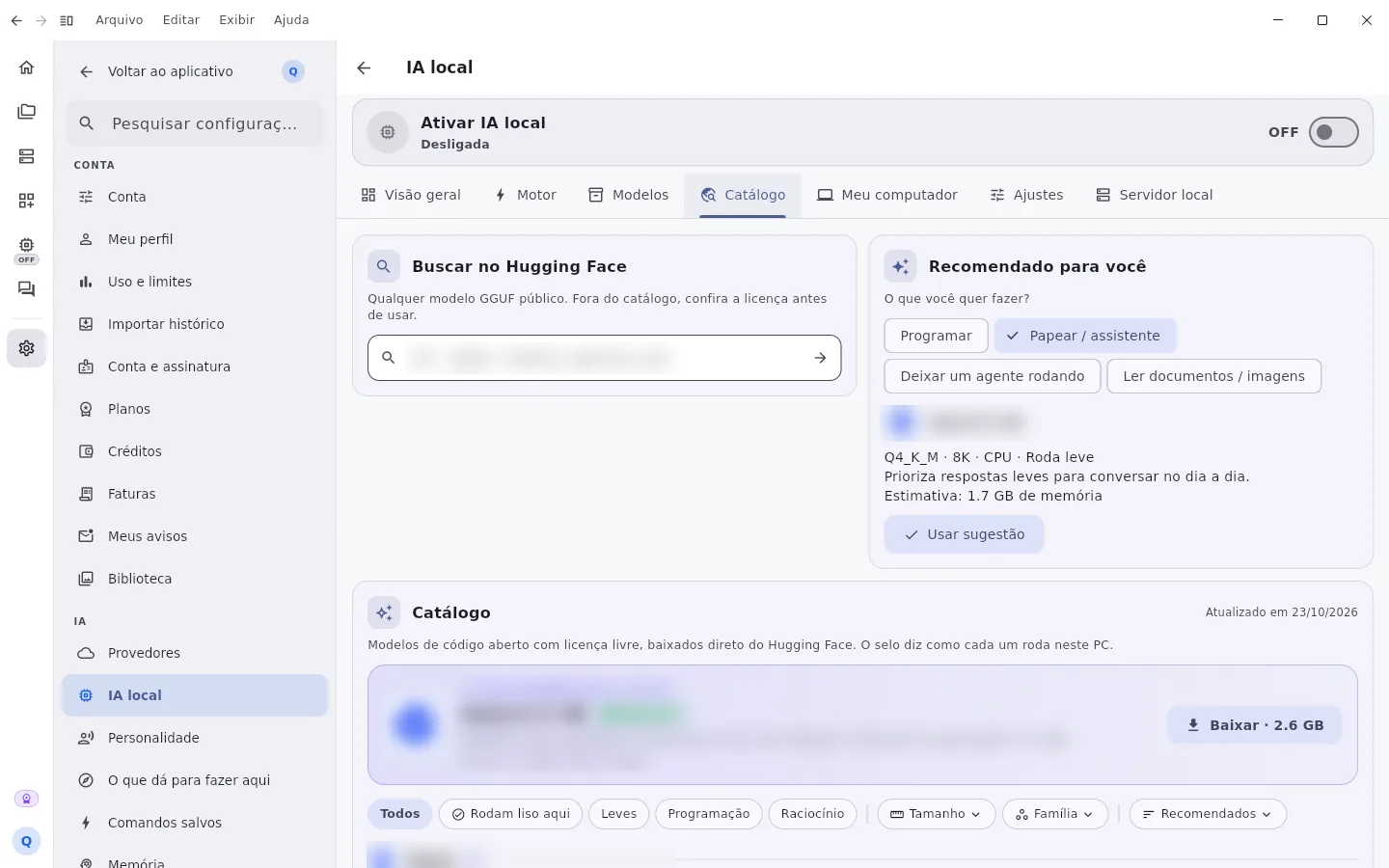
Cortex analyzes your computer, suggests the open models that run well on it and downloads them straight from Hugging Face.
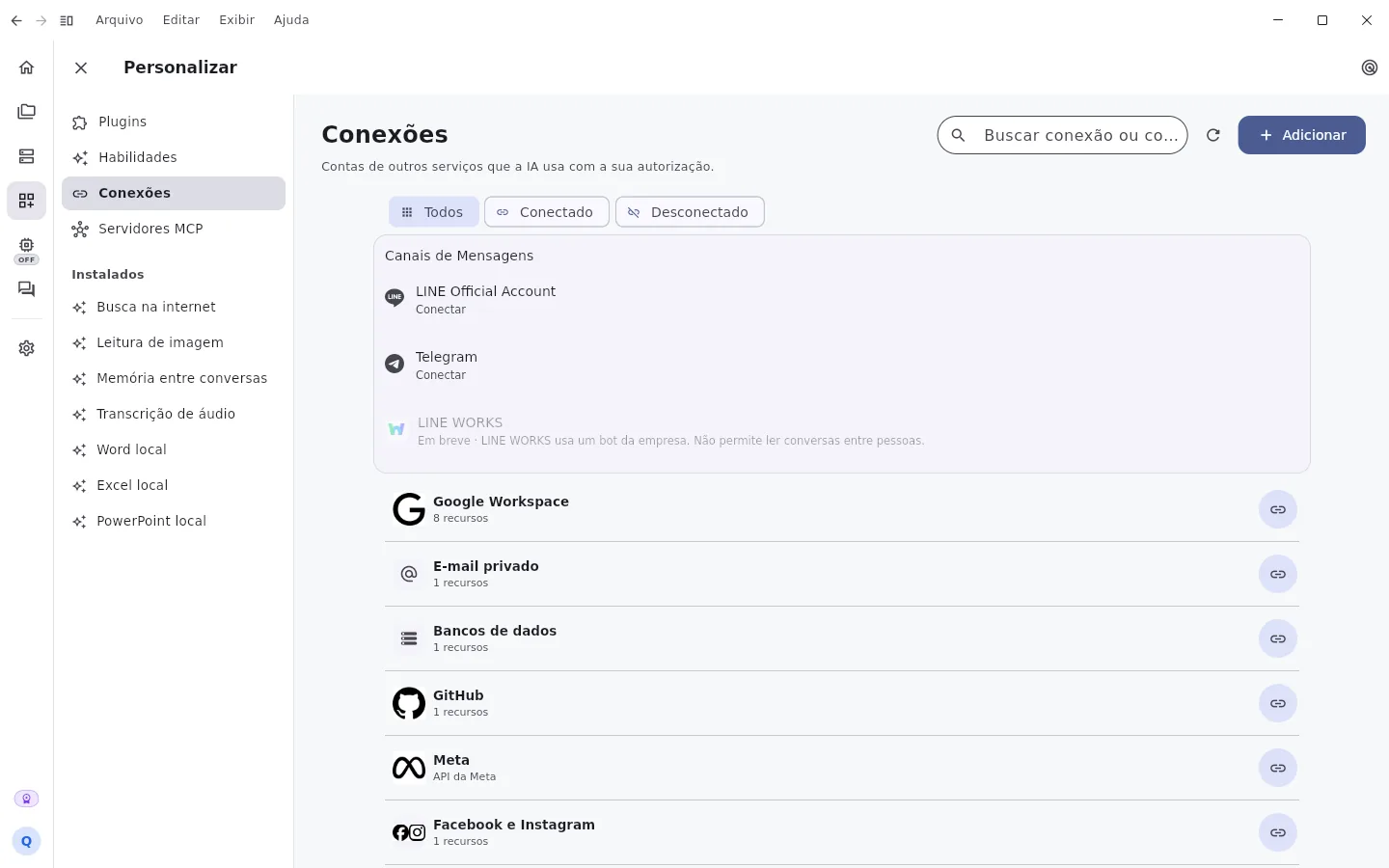
Accounts from other services that the AI uses with your permission, plus messaging channels, skills and MCP servers.
Open a folder and ask for what you need. The AI plans, executes and shows every changed file for you to review.
Ask for approval on everything, approve only commands or give full access. Every request shows exactly what the AI wants to run.
Use the built-in AIs or connect your own accounts and API keys. Each provider's limits, costs and terms still apply.
Builds and tests in the GeHost cloud, without needing your PC turned on.
Ran out of quota on your subscription or key? Code continues on the next engine you authorized, never switching models without telling you.
WhatsApp Business, Messenger, Instagram, LINE, Telegram and your website chat, with your team answering together.

On Windows, Mac and Linux, no terminal: turn it on and off with one tap.
From the “…” menu of a chat or Code, invite up to 3 people. Everyone sees the history, requests go into a queue and each person uses their own limit.
Channels, direct messages, mentions and a team AI that asks whoever decides, brings back the answer and saves it to the team's memory.
Give it a name and a look, and set goals and routines at the times you want. The Synapse conversation follows you on all your devices.
Google Workspace, GitHub, GitLab, Notion, Jira, Linear, Supabase and others, through each service's official login, plus MCP servers.
Web search, image reading, memory across conversations, audio transcription and real Word, Excel and PowerPoint files.
On your phone, the text appears in the field as you speak. App and website in Portuguese, English and Japanese.
Android and iPhone with the same account: what you did on your computer is already on your phone.
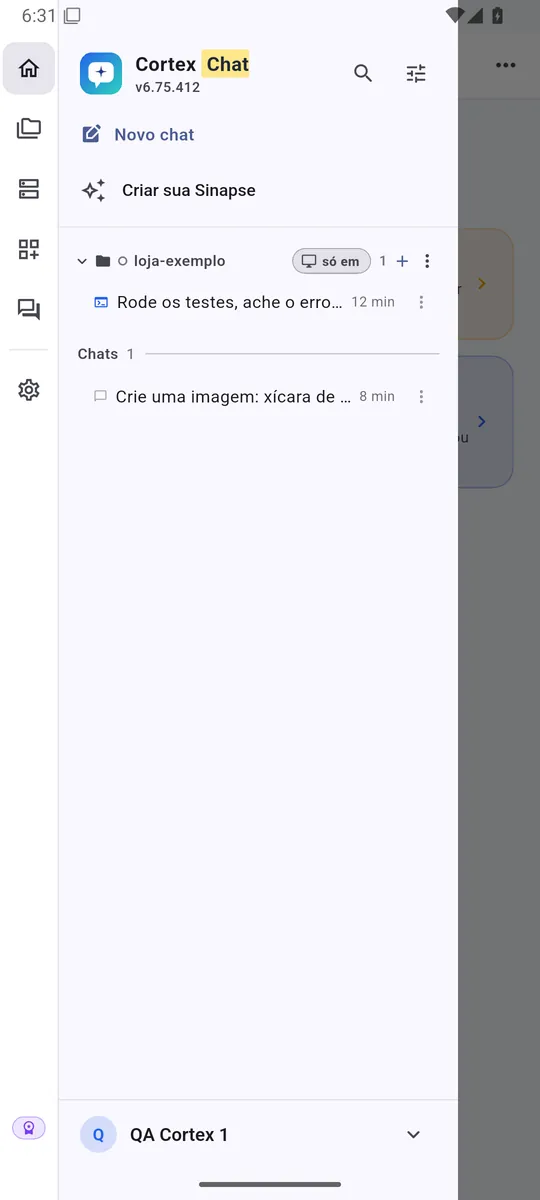
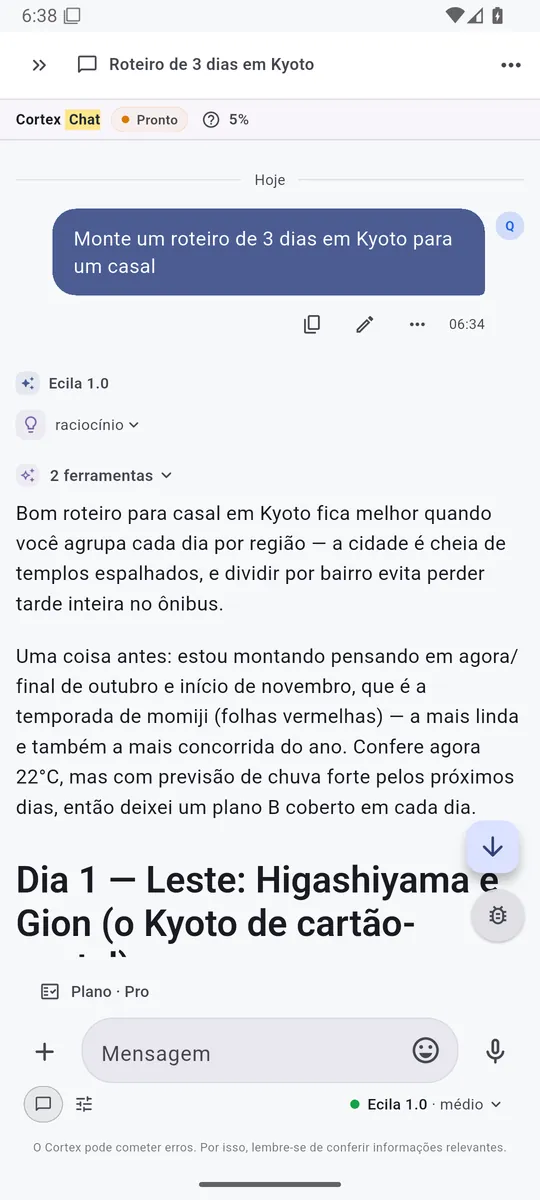

Real screenshots of Cortex 6.75.412 on Android · demo account
Prices and features come live from the same catalog the app uses. You subscribe inside Cortex itself.
Start in the browser or install the app. Conversations, library and memories go with you.
Open it in the browser, nothing to install.
Open in browserOn Google Play or as an APK from the Cortex website.
Google PlayThe same native app, with Team and Library.
App StoreWindows 10 and 11, with automatic updates.
Download for WindowsApple Silicon and Intel.
Download for Mac.deb package or compressed folder.
Download for LinuxSome features depend on the device, such as local AI and working in folders on your computer.
The Cortex wiki explains every feature with real screenshots, in Portuguese, English and Japanese.
Open the wikiStart for free in the browser or download the app for Android, iPhone, Windows, Mac or Linux.