
Your hosting in your pocket
Pay invoices in seconds, follow your services and domains, open tickets with screenshots and get notified when the team replies — with the same sign-in as the control panel. In Portuguese, English and Japanese.
Version 1.5.0 · 40 MB · the app tells you when a new version is out.

What you can do in the app
The whole customer area, designed for your phone
Invoices
Pix QR code on the spot, automatic confirmation and the invoice PDF. Cards through the control panel's secure checkout.
Services and domains
Status, plan, due date, disk and traffic usage, one-tap access to cPanel and webmail.
Real support
Open and answer tickets with screenshots and follow the conversation with the team.
Phone notifications
Invoice coming due, payment confirmed, support reply and maintenance.
How to install on Android
- Tap Download for Android.
- Open the downloaded file. If your phone asks, allow installing apps from this source.
- Sign in with your GeHost control panel email and password.
After that the app itself tells you when a new version is out and opens the download. iPhone: download on the App Store.
What's new in version 1.5.0
- Create quotations step by step using services from the official catalog.
- Review scope, taxes and totals, view the proposal PDF and receive a copy by email.
- Staff can access the same website proposals and send them by email or WhatsApp.
- The customer flow is for quotations and viewing only, without accepting proposals or paying in the app.
APK SHA-256: d190b4b1cfed4c4b67733b1fb82fc19b44a5b5c2e9b5dde3847fb0ae7cd51627
What's new in the app
What changed in each version — the same note you see in the app.
Version 1.5.3 · 26/10/2026
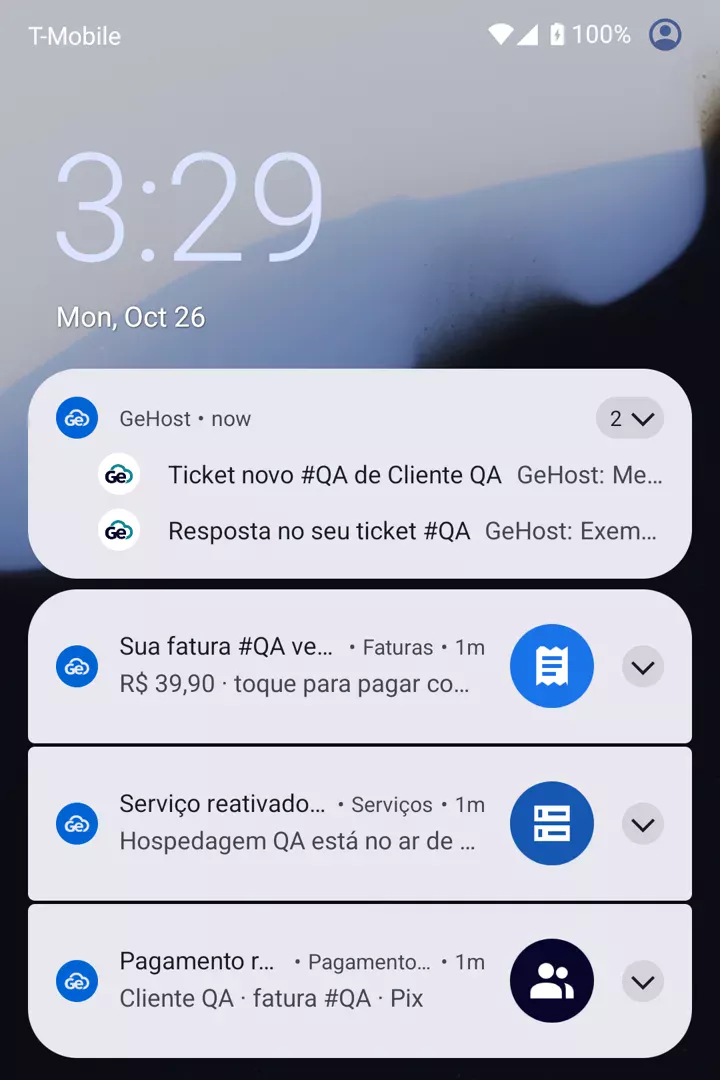
Notifications on a locked phone
Like WhatsApp: it arrives with the screen locked and the app closed.
- Support replies, invoices and service alerts arrive with the phone locked and the app closed, with sound and a banner, just like WhatsApp.
- Team: new tickets and customer replies now ring and show up front.
- Want fewer alerts? Account › Notifications or your system settings.
Version 1.5.2 · 25/10/2026
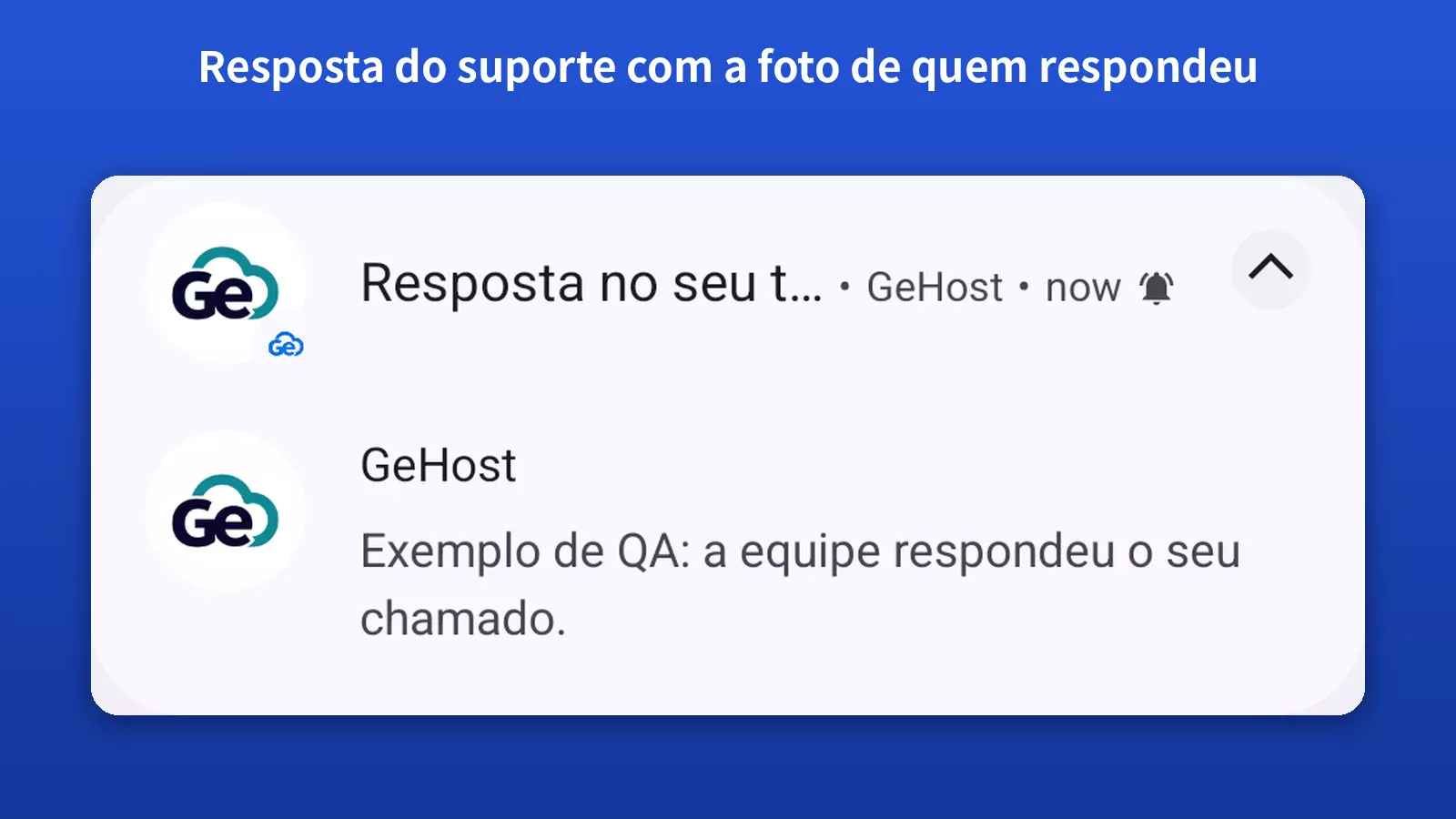
Support with the photo of who answered
A conversation with the team's photo, and you choose what you get.
- Support replies arrive as a conversation, with the photo of who answered and the GeHost logo in the corner.
- New notifications screen: choose your account's notification types or turn them all off at once (they stay in the app's inbox).
- On Android, each notification type has its own system setting.
Version 1.5.1 · 25/10/2026
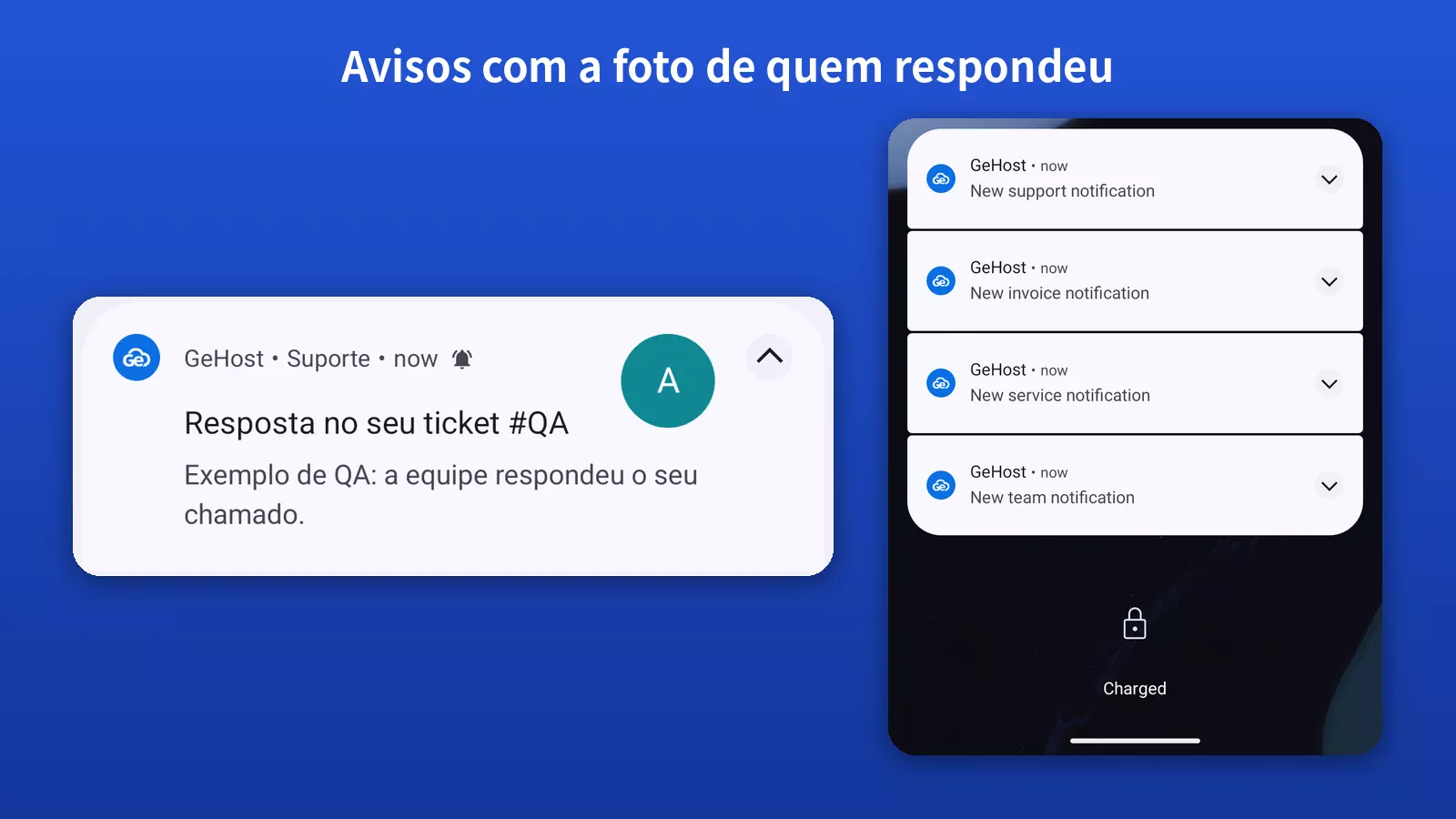
Notifications with the sender's photo
Clearer, more discreet support, invoice and service notifications.
- Ticket replies now show the photo (or initials) of who answered.
- Invoices, services and support have their own icon, are grouped by type, and tapping opens the right place.
- No amounts or names on the lock screen when your phone hides sensitive content.
- On iPhone, your account alerts now arrive as notifications.
Version 1.5.0 · 17/10/2026
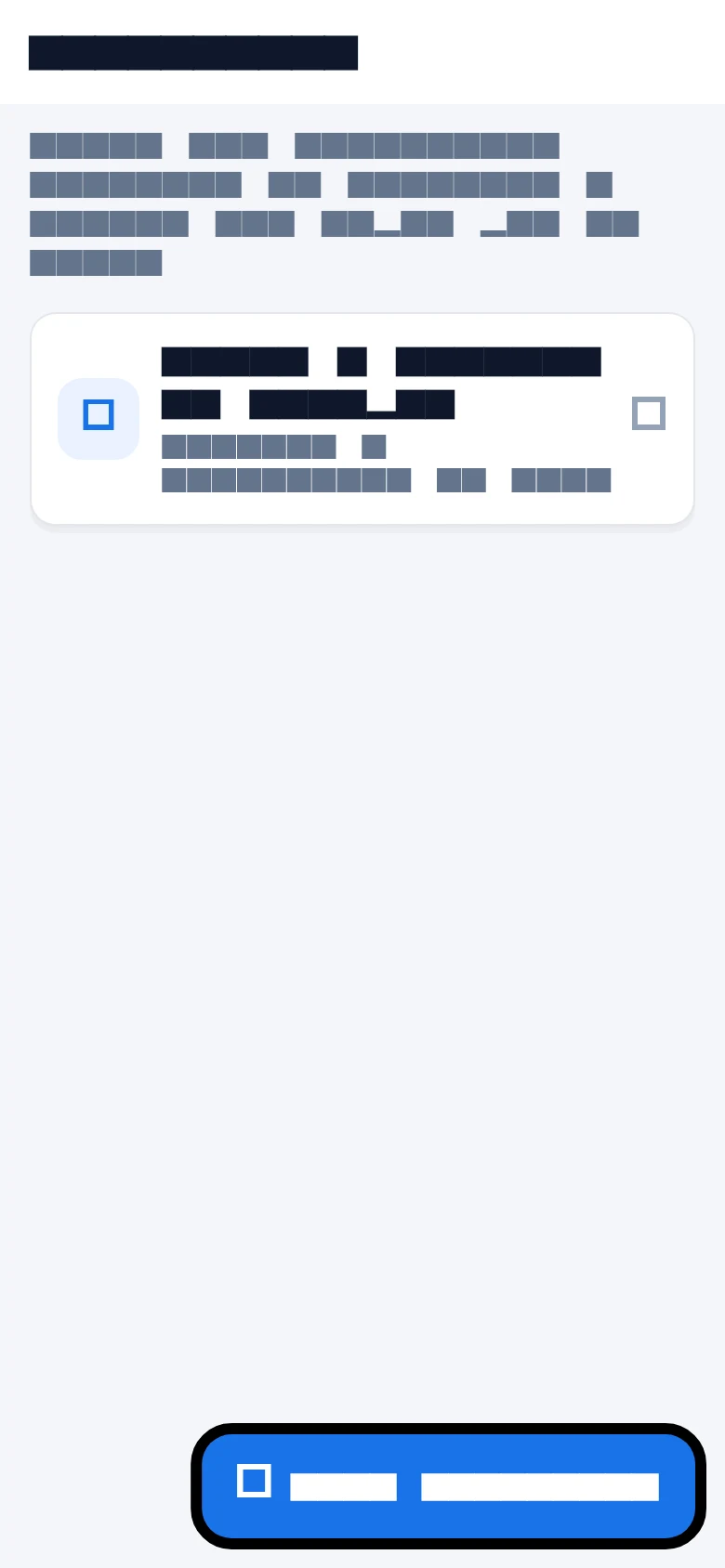
Quotations and proposals in the app
Create your quotation step by step, review the details and receive a PDF copy by email.
- Create quotations step by step using services from the official catalog.
- Review scope, taxes and totals, view the proposal PDF and receive a copy by email.
- Staff can access the same website proposals and send them by email or WhatsApp.
- The customer flow is for quotations and viewing only, without accepting proposals or paying in the app.
Version 1.4.0 · 14/10/2026
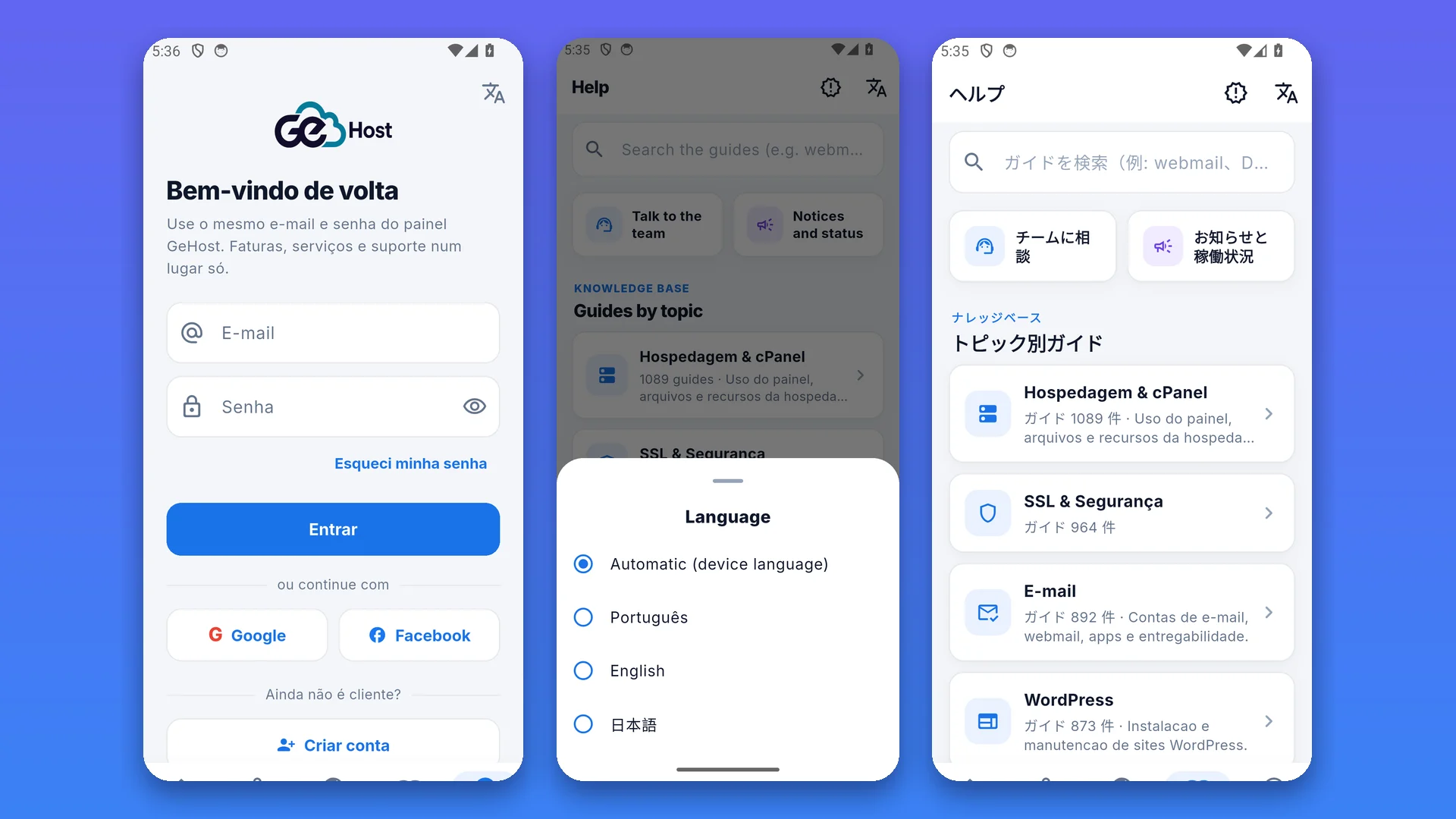
GeHost in Portuguese, English and Japanese
Pick the language with the button at the top or in Account › Language and the whole app switches instantly; every new version shows what changed.
- The whole app in Portuguese, English and Japanese: menus, screens, notices and error messages.
- Language button at the top and in Account › Language; by default the app follows your device language.
- Phone notifications and app messages arrive in the language you chose.
- The first time you open each version, a note with a picture shows what changed; you can skip it.
- New "What's new in the app" screen in Account and Help, with the history of every version.